Behind on your books? You're in the right place.
Start with the form you file
-

Rental & Landlord
Schedule E bookkeeping spreadsheets for landlords and rental property owners. Paste your...
-

Farm & Agriculture
Schedule F bookkeeping spreadsheets for farms, ranches, and agricultural businesses. Auto-categorize farm...
-

Partnership & LLC
Form 1065 bookkeeping spreadsheets for partnerships and multi-member LLCs. Auto-sort transactions and...
-

Corporation (S-Corp & C-Corp)
Form 1120-S and 1120 bookkeeping spreadsheets for S-corps and C-corps. Paste a...
-

Self-Employed
Bookkeeping spreadsheets built for self-employed people, freelancers, and sole proprietors who file...


From bank export to tax-ready
See the full walkthrough-

1 · Paste your bank export
Download a CSV from your bank and paste it in. The Bank Import tab maps any bank's columns in one step.
-

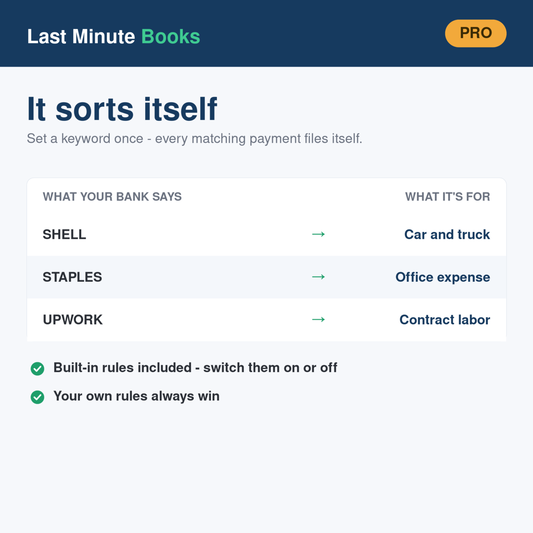
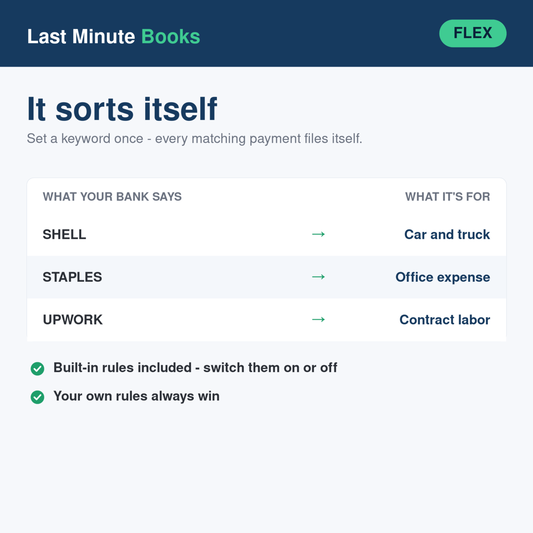
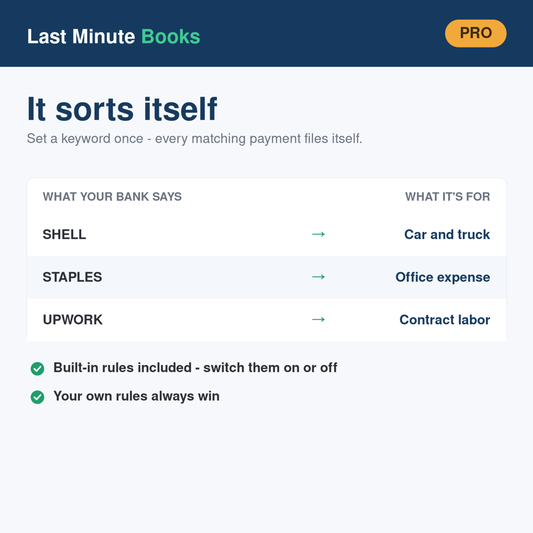
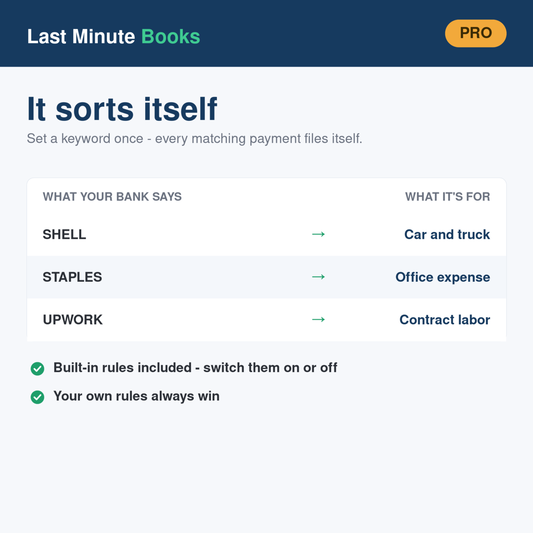
2 · Rules sort everything
90+ starter Rules auto-categorize transactions the moment they land. Add a keyword once and it works forever.
-

3 · Reports fill themselves
Your P&L, monthly summaries, and exact IRS form lines update live — with a 0–100 Readiness Score that tells you when you're done.


Try it free before you buy anything
The free Mini Expense Tracker is the real thing, scaled down — the same keyword Rules, the same automatic categorizing, the same reports that fill themselves in. Download it, run last month's bank export through it, and see whether this way of working suits you. No card, no trial period, nothing to cancel.

Buy 2025, get 2026 free
Books are a two-year problem — you're closing out last year while this year piles up. So buy any 2025 tracker and the matching 2026 edition is free: add both to your cart and enter code GET2026FREE at checkout.
Every tracker is a file you own. Buy once — no subscription, no login, no macros, works offline forever. And if anything isn't right, we'll swap it, fix it, or make it right.
Filing a Schedule C?
-
Self-Employed Pro Bundle (2025 + 2026) — Schedule C Bookkeeping Spreadsheet (Excel & Google Sheets)
Regular price $79.00 USDRegular price$78.00 USDSale price $79.00 USD -
Self-Employed 2026 (Flex) — Schedule C Bookkeeping Spreadsheet (Excel & Google Sheets)
Regular price $39.00 USDRegular price$59.00 USDSale price $39.00 USDSale -
Self-Employed 2026 (Pro) — Schedule C Bookkeeping Spreadsheet (Excel & Google Sheets)
Regular price $49.00 USDRegular price$44.00 USDSale price $49.00 USD -
Self-Employed 2025 (Pro) — Schedule C Bookkeeping Spreadsheet (Excel & Google Sheets)
Regular price $49.00 USDRegular price$44.00 USDSale price $49.00 USD